
Loading
Wrong photo sizes get compressed or rejected by Google. The exact dimensions for every photo type, plus the upload habits that keep your GBP active.

Related research
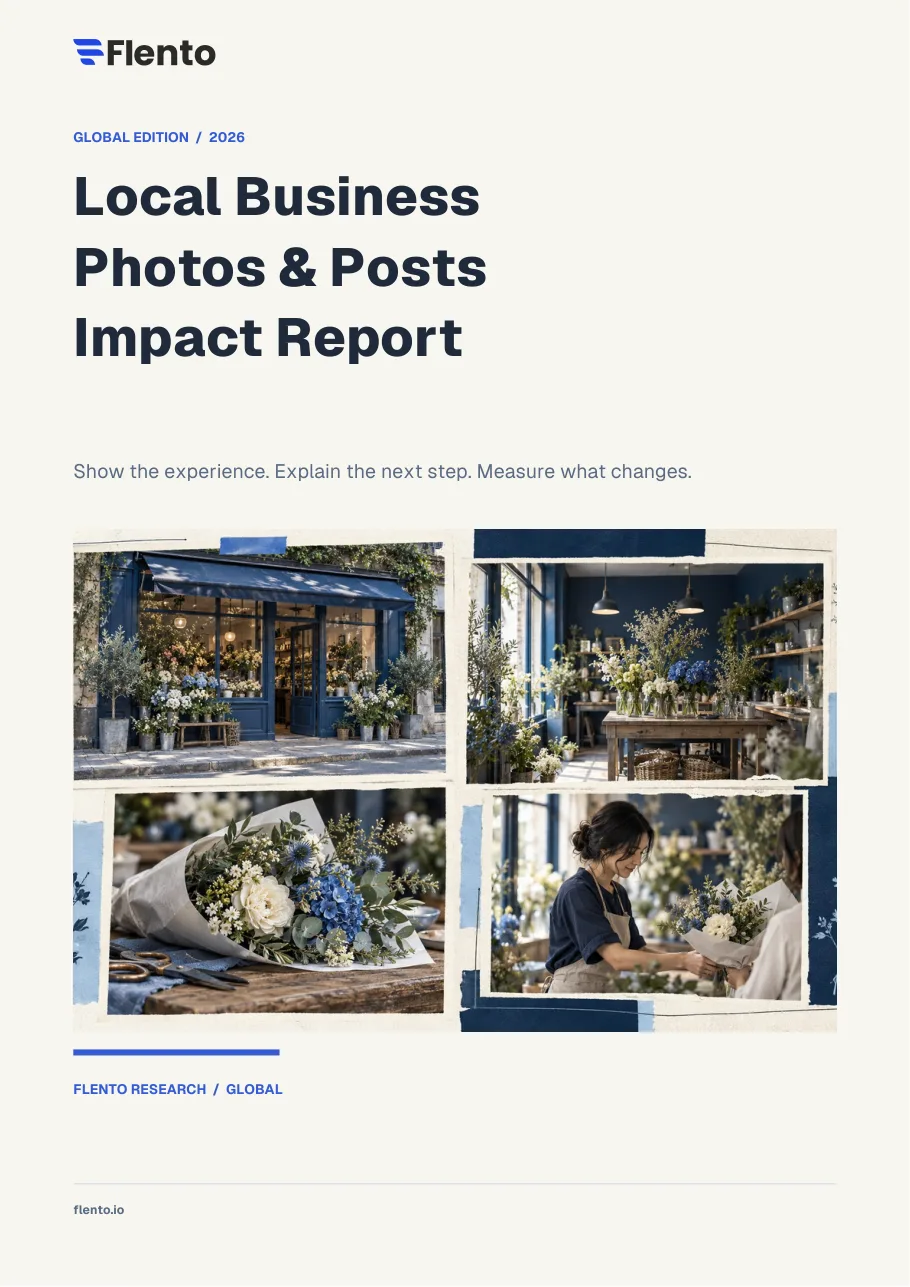
Google Business Profile photos directly affect how many customers click on your listing. A profile with strong photos gets 35% more clicks to the website and 42% more direction requests than profiles with few or no photos, according to Google's own data. This guide covers which photo types matter most, the exact sizes that display correctly, how many to upload, and what photos consistently drive more customer actions.
We break down why Google rejects profile photos and how to get them approved in our guide to rejected GBP photos.
A closely related question is answered in removing unwanted customer photos from your profile.
Photos on your Google Business Profile serve two distinct purposes. The first is engagement, they make your listing more compelling and give potential customers confidence about what they're getting. The second is a weaker but real signal to Google that your profile is actively managed.
Google's local ranking algorithm includes an engagement component. Profiles that generate more clicks, direction requests, and calls rank better over time. High-quality photos improve all three of those signals by making your listing more clickable than bare-bones competitors.
The secondary signal is photo freshness. A profile that adds new photos regularly looks actively managed to Google's quality signals. A profile with only two photos from 2019 looks neglected, even if the business is thriving.
📊 Flento Data: Flento's analysis of local business GBP profiles shows that businesses with 30 or more photos receive 3.6x more direction requests than businesses with fewer than 10 photos, across all business categories.
We break down whether geotagging photos actually helps your rankings in our guide to photo geotagging.
Google Business Profile supports several photo categories, each appearing in different contexts:
Cover photo: Displays prominently at the top of your profile in search results. This is the first image most people see. Use your single most visually compelling image, ideally showing what makes your business distinctive.
Logo: Appears as a small circular icon next to your business name in search results and Maps. Use your actual logo, properly cropped for a square format. Keep it clean and readable at small sizes.
Exterior photos: Show the outside of your location, storefront, building entrance, parking. These help customers find you and confirm they're at the right place. Critical for first-time visitors.
Interior photos: Show what customers will experience inside, dining room, waiting area, retail floor, treatment rooms. Interior photos reduce uncertainty and increase walk-in confidence.
Product photos: Show your actual products. For restaurants: dishes. For retail: merchandise. For service businesses: finished work (installed systems, completed repairs, before/after).
Team photos: Staff, technicians, or the owner. Humanizes the business and builds trust, especially for service businesses where customers invite you into their home.
At work photos: Staff doing the work, cooking, repairing, treating patients, installing equipment. Shows competence and process.
360-degree photos (Street View): Virtual tour of your interior. More work to set up but adds significant profile depth. Google displays these in a rotating carousel.
Related reading: our guide to image SEO for local businesses covers file names, alt text, and other image details that help local rankings.
Uploading the wrong size wastes your photo, Google will crop, compress, or display it poorly. Use these specs:
| Photo Type | Recommended Size | Minimum Size | Format |
|---|---|---|---|
| Cover photo | 1080 x 608 px | 480 x 270 px | JPG or PNG |
| Logo | 250 x 250 px | 120 x 120 px | JPG or PNG |
| Product photo | 1200 x 900 px | 720 x 540 px | JPG or PNG |
| Post image | 1200 x 900 px | 480 x 270 px | JPG or PNG |
| General/interior/exterior | 1200 x 900 px | 720 x 540 px | JPG or PNG |
| Maximum file size | , | , | 5 MB |
Aspect ratio: Google displays most photos at 4:3 ratio in the gallery. Shoot or crop your photos at 4:3 (or close to it) to prevent awkward cropping.
Quality rules:
⚠️ Common Mistake: Uploading photos at exactly the minimum size requirements. Minimum sizes produce low-resolution images that look unprofessional in the full-screen photo gallery. Use the recommended sizes or larger.
Most businesses think about GBP photos as a one-time task. The businesses that get the most from their profiles treat it as an ongoing system.
The Photo Cadence Framework:
Month 1, Foundation (upload once, never remove):
Ongoing, Monthly adds:
Quarterly refresh:
A profile with 50+ photos and regular additions outperforms a static profile with 20 photos in both engagement and Google's freshness signals.
🔥 Quick Win: Take a phone photo of your best-selling product or most photogenic space right now. Upload it to your GBP today. One new photo per week is enough to maintain freshness signals without a major time investment.
Customers can upload photos to your GBP without your permission, and you cannot remove customer photos unless they violate Google's policies. This is a two-edged feature:
The upside: Authentic customer photos build trust in a way staged business photos can't. A customer photo of a crowded restaurant on a Friday night signals popularity and social proof that you can't manufacture.
The downside: Customers sometimes upload unflattering photos, empty dining rooms, messy spaces, or images that represent your business on a bad day.
What you can do:
The best defense against problematic customer photos is a strong library of business-uploaded photos. When you have 40 professional images, a few low-quality customer snapshots don't dominate the gallery.
💡 Pro Tip: Google now separately labels business-uploaded photos vs. customer-uploaded photos in your profile gallery (a 2026 update). This means your high-quality business photos are clearly distinguished from customer snapshots. Use this to your advantage by making sure your business photos are noticeably more professional.
Not all photos drive the same customer actions. Here's what actually works:
High-converting photo types:
Food and product close-ups (restaurants, cafes, bakeries, retail): Sharp, well-lit, appetizing product shots convert browsers to visitors. A photo of your signature dish at its best beats a wide dining room shot every time.
Finished work / before-after (contractors, home services, auto repair): Customers hiring a plumber or landscaper want proof of quality. Before-after photos are highly compelling.
Team in action (medical, legal, fitness, wellness): Seeing real people doing real work, a dentist with a patient, a trainer working with a client, builds comfort and trust for service businesses.
Exterior with clear signage: First-time visitors need to be able to identify the building. A clear exterior shot with readable signage reduces no-shows and wrong-location calls.
Low-impact photo types:
🛠️ Action Step: Open your GBP profile, click Photos, and look at your gallery as a potential customer would. Count how many photos show your actual product/work vs. generic building shots. If the ratio is less than 2:1 in favor of product/work photos, that's your photo optimization priority.
Photos don't appear in Google's list of direct local ranking factors, but they influence several factors that do:
Click-through rate (CTR): Listings with attractive photos get more clicks from the same ranking position. Higher CTR is a positive engagement signal that can improve ranking over time.
Profile completeness: Google rewards complete profiles. "Add photos" is one of the most common prompts in the GBP dashboard because photo presence affects completeness score.
Engagement signals: Profiles with more customer photo views, direction requests, and profile clicks generate stronger engagement signals. Better photos drive more of these actions.
Review photo correlation: Many positive reviews include customer photos. The density of review photos on a profile correlates with both review recency and overall profile engagement.
Complete this to bring your photo profile up to competitive standard:
How many photos should I have on my Google Business Profile? Google's own data shows that businesses with more than 100 photos get significantly more engagement than those with fewer. For most small businesses, 30–50 high-quality photos is a realistic starting target. More important than total count is ongoing addition, adding 2–4 new photos monthly maintains freshness signals better than uploading 50 photos once and never adding more.
Do Google Business Profile photos affect rankings? Photos don't directly appear as a standalone ranking factor, but they indirectly influence rankings through engagement. Profiles with attractive photos get higher click-through rates, more direction requests, and more profile interactions, all of which are engagement signals that Google uses as local ranking inputs. Businesses with strong photo libraries consistently outperform visually sparse profiles in both clicks and rankings.
What size should Google Business Profile photos be? Use 1080 x 608 pixels for the cover photo and 1200 x 900 pixels for general and product photos. These are larger than the minimum requirements but display clearly in the full-screen photo gallery. Keep file size under 5 MB. Use JPG or PNG format. Shoot or crop at a 4:3 aspect ratio to prevent awkward cropping in the gallery display.
Can I remove photos from my Google Business Profile? You can remove photos that you uploaded as the business owner. You cannot remove photos uploaded by customers unless they violate Google's content policies (explicit content, off-topic spam, content involving minors). To flag a customer photo for policy review, click the three-dot menu on the photo and select "Report a problem." Google reviews flagged photos and removes those that violate policy, but not simply because you dislike them.
What is the best cover photo for Google Business Profile? Your cover photo should show your most visually compelling representation of the business, typically your best product, signature dish, finished work, or the most attractive view of your space. It should not be your logo (use the logo field for that) or a generic exterior shot. The cover photo is the first image potential customers see in search results; it should immediately communicate what's appealing about your business.
How often should I update Google Business Profile photos? Add new photos at least monthly, 2–4 photos per month is a sustainable cadence for most businesses. More frequent updates signal active management to Google's quality assessment. Quarterly, review your full gallery and remove outdated photos (old menu items, discontinued products, former staff, remodeled spaces). The goal is a gallery that accurately represents the current business with regularly refreshed content.
Why are my Google Business Profile photos not showing? If newly uploaded photos aren't appearing, Google may be reviewing them. This typically takes 24–48 hours. If photos are being rejected, check: are they actual photos of your business (not stock)? Do they meet the size minimums? Do they contain promotional text overlays? Photos with overlaid text, phone numbers, URLs, or coupon codes are frequently rejected. Google also occasionally removes photos during quality reviews if they appear to violate guidelines, even if they were previously approved.
Your business details