What this report says, and what it does not
Photos and posts help a customer understand a business before making contact. What the evidence does not show is a universal ranking lift from uploading more of them. This report keeps those two statements apart.
It sets out what Google documents about photo and video specifications, the cover image, customer photo updates and the three post formats, explains what each Business Profile metric does and does not mean, and describes how to define success and run a fair comparison before crediting any content change.
This report contains no original performance statistics. Its numerical examples, such as the comparison of two fictional campaigns, are invented arithmetic and are labelled as synthetic.
Key facts at a glance
- 720 × 720 px Photo guidance. Google Business Profile Help.
- 30 sec Video guidance. Google Business Profile Help.
This report does
- Report Google's documented upload specifications, post formats and content rules, with a source for each.
- Explain what each Business Profile metric measures and what it does not.
- Offer a measurement approach, clearly marked as a Flento recommendation.
This report does not
- Claim that more photos or posts improve Maps ranking.
- Publish performance results, uplift percentages or campaign benchmarks.
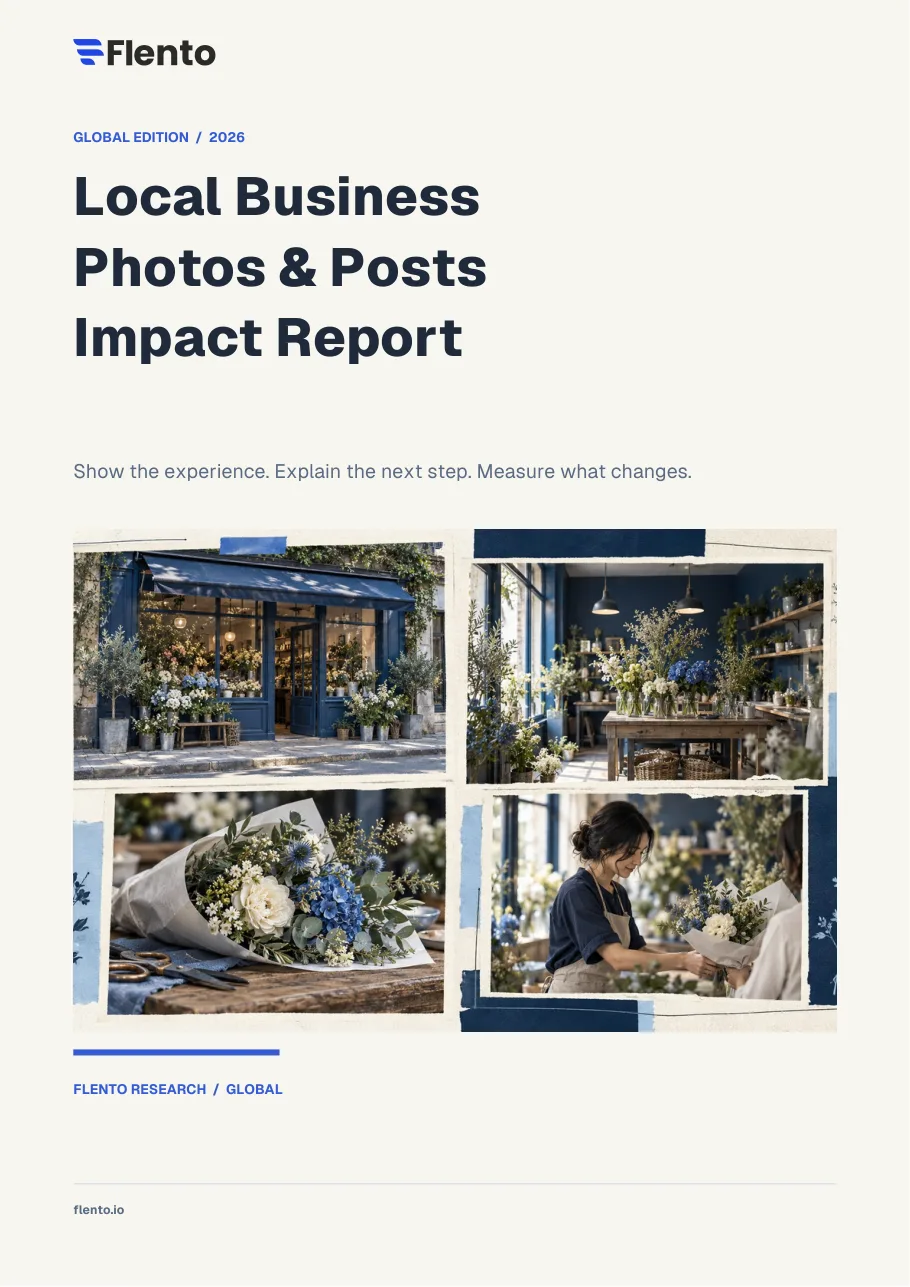
- Treat the conceptual artwork in the PDF as documentary proof of any specific business.
Scope. Global edition built on ten Google documents. No worldwide sample or controlled lift study.
Key findings
Each finding shows who measured it and what it covers. The tag shows the kind of evidence behind it: platform documentation, a third-party study, a Flento framework or a synthetic example.
Helpful content is supported. A universal lift is not.
Google supports photos, videos and posts to explain a business. No fixed upload schedule or universal Maps ranking lift is published. The report adds that a larger photo library and more customers could share another cause, so association does not establish what the photos caused.
720 × 720 px
Photo guidance
Google's documented guidance is JPG or PNG format, a file size of 10 KB to 5 MB, a recommended resolution of 720 × 720 pixels, and a minimum of 250 × 250 pixels. The report advises verifying the live limits at export, because specifications can change.
Scope: Google Business Profile Help
Source:Google: Business Profile photos and videos (opens in a new tab)
30 sec
Video guidance
Google's documented guidance is videos of up to 30 seconds and up to 75 MB, at 720p or higher.
Scope: Google Business Profile Help
Source:Google: Business Profile photos and videos (opens in a new tab)
A chosen cover image is a preference
Google says the cover image a business selects may not be the first image customers see. Selecting a new cover does not guarantee a particular ordering, so several images should be representative.
Scope: Google Business Profile Help
Source:Google: Business Profile photos and videos (opens in a new tab)
Customer photo updates are separate from reviews
Google distinguishes customer photo updates from reviews. Owners cannot prevent customer photo updates, and policy-violating media can be reported through the appropriate route.
Scope: Google Business Profile Help
Sources:Google: Customer photo updates (opens in a new tab)Google: Report inappropriate photos or videos (opens in a new tab)
Three owner post formats, with category restrictions
Google documents three formats for owner posts: update, offer and event. Hotel offers and promotional deal posts are restricted, and the report advises checking current category rules before publishing.
Scope: Google Business Profile Help
Sources:Google: Create and manage Business Profile posts (opens in a new tab)Google: Photos, videos and posts content policy (opens in a new tab)
Profile metrics are not outcomes
Business Profile interactions may include both organic and ad activity. Profile views describe discovery and exposure, not new customers. Website clicks are profile-link clicks, not confirmed enquiries. Calls are call-button clicks, not completed calls. Directions are direction requests, not store visits.
Scope: Google Business Profile Help
Source:Google: Business Profile performance metrics (opens in a new tab)
Tag the destination so a click can be traced
Google Analytics supports campaign parameters on linked destinations. Tagging identifies captured traffic, not every person who saw a photo or called later, and consent and device changes affect coverage.
Scope: Google Analytics Help
Source:Google Analytics: Campaign URL parameters (opens in a new tab)
Charts and figures
Each figure is labelled as reported data, a synthetic example or a conceptual illustration. Synthetic and conceptual figures are not measurements.
Google's documented photo and video guidance
Documented Business Profile guidance. Verify the live limits at export, because specifications can change.
| Item | Documented guidance | Detail |
|---|---|---|
| Photo format | JPG or PNG | Clear, genuine image |
| Photo file size | 10 KB to 5 MB | Check the exported file |
| Photo resolution | Recommended 720 × 720 px | Minimum 250 × 250 px |
| Video length | Up to 30 seconds | One useful moment |
| Video file | Up to 75 MB, 720p or higher | Keep details visible |
Source:Google: Business Profile photos and videos (opens in a new tab)
Three post formats Google documents
Category restrictions apply. Hotel offers and promotional deal posts are restricted.
| Format | Use | Fields |
|---|---|---|
| Update | Current business message | Description, media, optional link |
| Offer | Eligible promotional deal | Title, dates and clear terms |
| Event | Event at the business | Title, start and end dates and timing |
Sources:Google: Create and manage Business Profile posts (opens in a new tab)Google: Photos, videos and posts content policy (opens in a new tab)
What each profile metric does and does not mean
Business Profile interactions may include organic and ad activity. Use one reporting window and state each definition.
| Metric | What it measures | What it is not |
|---|---|---|
| Profile views | Discovery or exposure | New customers |
| Website clicks | Profile-link clicks | Confirmed enquiries |
| Calls | Call-button clicks | Completed calls |
| Directions | Direction requests | Store visits |
| Business outcomes | Reliable booking or sales records | Needs a matching method |
Source:Google: Business Profile performance metrics (opens in a new tab)
A consistent campaign-tag structure
An example of the structure the report recommends, using Google Analytics campaign parameters.
| Parameter | Example value |
|---|---|
| utm_source | |
| utm_medium | organic |
| utm_campaign | service-explainer |
| utm_content | location-a-post-01 |
Read this correctly. Tagging identifies captured traffic, not everyone who saw a photo or called later.
Source:Google Analytics: Campaign URL parameters (opens in a new tab)
Qualified enquiry rate = enquiries ÷ captured sessions
Synthetic example with two fictional campaigns. This is invented arithmetic, not observed Flento or industry performance.
- Fictional campaign A (12 of 300)4%
- Fictional campaign B (18 of 300)6%
Read this correctly. The two-percentage-point difference does not show which creative caused a change. Check enquiry quality, tracking, demand and eventual outcomes.
Give every asset a job
A conceptual framework from Flento for mapping content to customer questions.
Recognise
Can someone find the correct place or service area?
Evaluate
Can they judge the setting, product or process?
Act
Does the content lead to a working next step?
What to do with the evidence
These are Flento's editorial recommendations. They follow from the report, but they are not findings and not guarantees of results.
- Give each image a job. Cover arrival, setting, product, service and people. Do not upload near-duplicates just to raise a count.
- Show the real service. A service image should make the actual offer easier to understand. Do not imply work or facilities that are not offered.
- Post when there is something useful to say. The rhythm is an operating suggestion, not a Google ranking requirement. State real terms and dates, and remove outdated posts.
- Match the metric to the objective. Use one reporting window and state the definition of each outcome. Connect profile actions to enquiries only with a matching method.
- Define success before publishing. Record what changed and when, name the primary outcome, compare similar locations or a suitable comparison, and report counts, windows and missing data.
Methodology and limitations
How the report was built
The report is a global desk-research synthesis. It draws on ten Google documents covering formats, policy and metrics (P01 to P10 below), plus Flento's planning tools and calculations, which are editorial.
The comparison of two fictional campaigns (12 of 300 and 18 of 300) is invented arithmetic. The fictional bicycle-repair post is illustrative copy, not a measured campaign. The conceptual artwork in the PDF is not documentary proof of a specific business.
Limitations
- No worldwide sample and no controlled lift study is claimed. The report contains no performance statistics of its own.
- Google's specifications and policies can change. Recheck live guidance before changing a workflow.
- Association between more photos and more customers does not establish that the photos caused the change.
Sources
Links open the publishers' own pages. Check them for the current version, since platform documentation changes.
- Business Profile photos and videos · Google (opens in a new tab)
- Business-specific photo guidance · Google (opens in a new tab)
- Create and manage Business Profile posts · Google (opens in a new tab)
- Photos, videos and posts content policy · Google (opens in a new tab)
- Business Profile performance metrics · Google (opens in a new tab)
- Campaign URL parameters · Google Analytics (opens in a new tab)
- Customer photo updates · Google (opens in a new tab)
- Report inappropriate photos or videos · Google (opens in a new tab)
- Image SEO · Google Search Central (opens in a new tab)
- Local ranking guidance · Google (opens in a new tab)
Cite this report
Reed, K. (2026, October 19). Local Business Photos and Posts Impact Report. Flento Research. https://www.flento.io/downloadables/report/local-business-photos-and-posts-impact
Journalists, researchers and publishers are welcome to quote this report and use its figures. Please attribute them to Flento Research; a link to this page is appreciated but not required.
Third-party figures belong to their original publishers. When you use one, attribute it to the publisher named beside it, such as Pew Research Center or Google.
Canonical page: https://www.flento.io/downloadables/report/local-business-photos-and-posts-impact