How to use this checklist
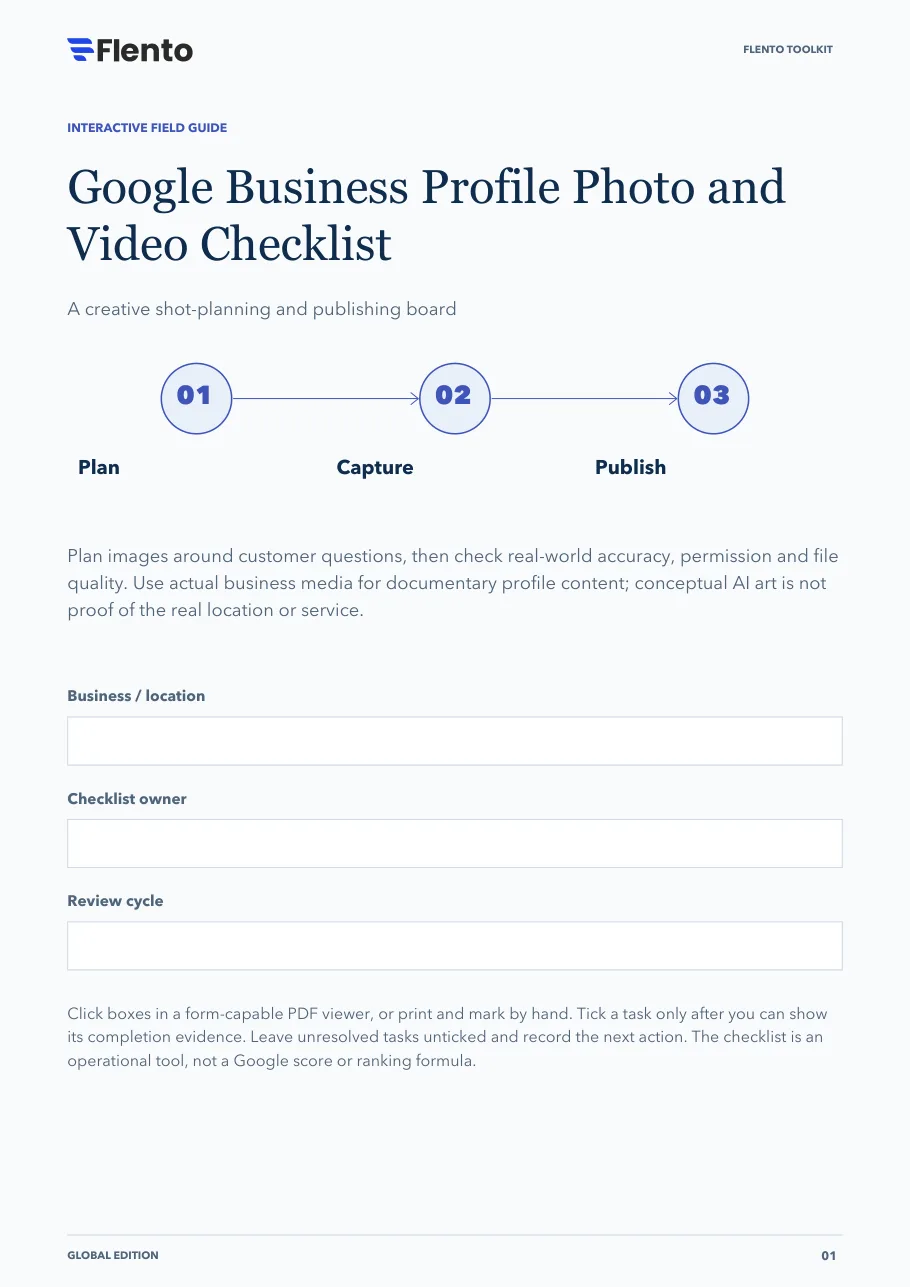
Plan images around customer questions, then check real-world accuracy, permission and file quality. Use actual business media for documentary profile content; conceptual AI art is not proof of the real location or service.
The 3 stages
- Plan.
- Capture.
- Publish.
Click boxes in a form-capable PDF viewer, or print and mark by hand. Tick a task only after you can show its completion evidence. Leave unresolved tasks unticked and record the next action. The checklist is an operational tool, not a Google score or ranking formula.
The PDF also has fields at the top for the business or location, the checklist owner and the review cycle.
Stage 1: Plan the useful shots
Choose what a customer needs to recognize or understand.
Identify the main visual customer questions
Evidence: Recognition, arrival, environment or real service needs listed.
Choose the actual location or service context
Evidence: Every proposed image has a truthful subject.
Assign a purpose to each planned asset
Evidence: A short shot list explains the customer's benefit.
Confirm permissions before capture
Evidence: People, property and usage approvals recorded where needed.
Identify details to keep out of frame
Evidence: Private records, screens and sensitive identifiers flagged.
Separate conceptual marketing art from documentary media
Evidence: The real-business asset library is clearly labeled.
Stage decision
Capture only subjects you can represent truthfully and use appropriately. A missing permission is a blocker, not a later editing task.
Sources: Photos and videos, Maps content policies
Stage 2: Capture and check the files
Technical suitability and factual accuracy both matter.
Check focus, lighting and truthful appearance
Evidence: The image is clear and has no misleading alteration.
Use JPG or PNG photographs
Evidence: Photo format is suitable for the profile upload.
Check photo size between 10 KB and 5 MB
Evidence: Exported file size verified.
Check photo resolution
Evidence: At least 250 x 250 px; 720 x 720 px is recommended.
Check video duration, file size and resolution
Evidence: Up to 30 seconds, up to 75 MB and 720p or higher.
Review the crop for privacy and customer clarity
Evidence: The final frame preserves meaning and excludes private details.
Stage decision
Pass the final exported files, not just the camera originals. Recheck current platform specifications if an upload is rejected.
Sources: Photos and videos, Maps content policies
Stage 3: Publish and verify the customer view
An upload is complete only when its status and usefulness are checked.
Confirm the correct profile is verified
Evidence: The account state supports public media display.
Upload to the intended business location
Evidence: Branch and media purpose match.
Check processing or approval status
Evidence: Pending, live or rejected state recorded.
Inspect the visible customer crop
Evidence: Key details remain understandable in the displayed version.
Record cover-selection limits
Evidence: The team knows the selected cover is not guaranteed to appear first.
Assign a refresh trigger for changed real-world details
Evidence: Owner knows when the asset becomes outdated.
Stage decision
Replace media when the real business changes. Keep the permission and purpose record with each retained asset.
Sources: Photos and videos
Your next move
Use this sheet for the most important unresolved item. Keep customer records out of this public-facing workbook.
- Unresolved task / blocker
- Responsible owner
- Completion evidence needed
- Next action and review trigger
Sources
Links open the publishers' own pages. Check them for the current version, since platform documentation changes.
- Photos and videos · Google (opens in a new tab)
- Maps content policies · Google (opens in a new tab)
- Product and free signup · Flento (opens in a new tab)
References are clickable. Tasks, stage decisions and layouts are original Flento planning tools; availability and industry rules vary.