How to use this checklist
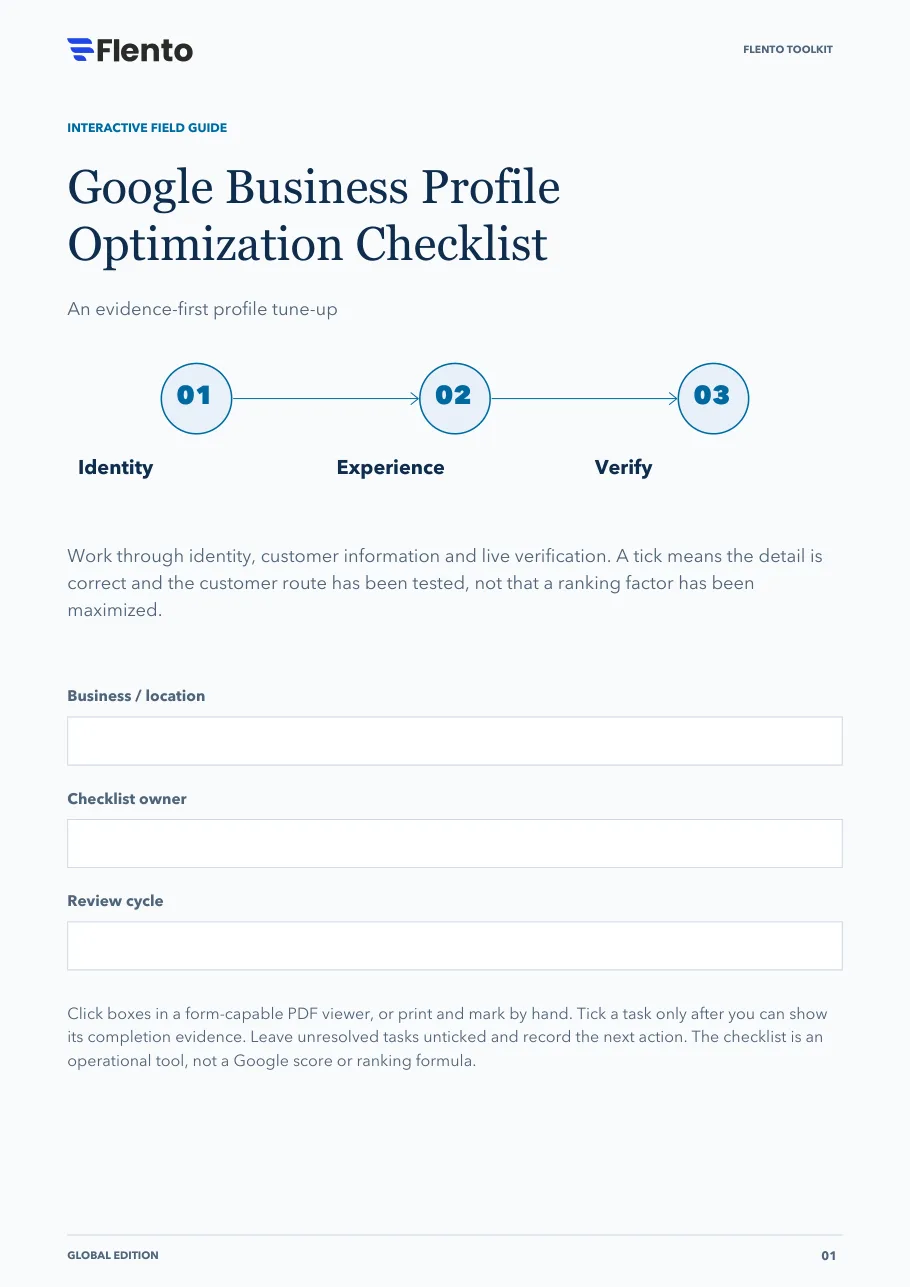
Work through identity, customer information and live verification. A tick means the detail is correct and the customer route has been tested, not that a ranking factor has been maximized.
The 3 stages
- Identity.
- Experience.
- Verify.
Click boxes in a form-capable PDF viewer, or print and mark by hand. Tick a task only after you can show its completion evidence. Leave unresolved tasks unticked and record the next action. The checklist is an operational tool, not a Google score or ranking formula.
The PDF also has fields at the top for the business or location, the checklist owner and the review cycle.
Stage 1: Establish the right foundation
Check the real business before editing fields.
Confirm profile eligibility and operating model
Evidence: A short record of how customers receive the service.
Find existing profiles before creating another
Evidence: A listing inventory with duplicates or access issues noted.
Confirm business-controlled ownership
Evidence: Primary owner, authorized managers and recovery contact recorded.
Match the real-world business name
Evidence: Name checked against actual branding and signage.
Choose the core primary category
Evidence: A documented reason based on the business's real activity.
Confirm address visibility or service-area setup
Evidence: Customer-visit model and hidden-address choice verified.
Stage decision
Pause if identity, eligibility or ownership is unresolved. Assign the correct owner before making cosmetic changes.
Sources: Business representation and industry rules, Service-area businesses, Profile ownership
Stage 2: Complete the customer promise
Check details against the actual service customers can receive.
Verify direct phone and website destination
Evidence: A test call and mobile link check completed.
Check regular and exception hours
Evidence: Operations has confirmed the customer-facing schedule.
Write a useful description
Evidence: Copy explains the business without links or offer-heavy wording.
List real services and truthful available attributes
Evidence: The service team has checked each selected item.
Choose genuine location-specific media
Evidence: Permission, purpose and factual accuracy recorded.
Set neutral review and private support routes
Evidence: Invitation wording and escalation contacts approved.
Stage decision
Advance when the public information matches operations. A field that does not apply should be recorded as such in the action sheet.
Sources: Business representation and industry rules, Photos and videos, Review requests, Maps content policies
Stage 3: Verify and maintain
Inspect the customer view after changes, then assign maintenance.
Inspect the live profile after edits
Evidence: Search or Maps shows the intended public information.
Test arrival or service-area expectations
Evidence: A customer can understand where and how service is delivered.
Test the booking or enquiry handoff
Evidence: The correct team receives a harmless test request.
Review current media and post status
Evidence: Relevant items are live; expired claims are identified.
Record baseline interactions and real outcomes separately
Evidence: Metric definitions and outcome source noted.
Assign owners for factual changes and routine review
Evidence: Named owners and change triggers recorded.
Stage decision
Finish only when the customer routes work. Carry unresolved tasks into the next-action sheet rather than counting them as complete.
Sources: Profile performance definitions, Business Profile posts, Business representation and industry rules
Your next move
Use this sheet for the most important unresolved item. Keep customer records out of this public-facing workbook.
- Unresolved task / blocker
- Responsible owner
- Completion evidence needed
- Next action and review trigger
Sources
Links open the publishers' own pages. Check them for the current version, since platform documentation changes.
- Business representation and industry rules · Google (opens in a new tab)
- Service-area businesses · Google (opens in a new tab)
- Profile ownership · Google (opens in a new tab)
- Photos and videos · Google (opens in a new tab)
- Review requests · Google (opens in a new tab)
- Maps content policies · Google (opens in a new tab)
- Profile performance definitions · Google (opens in a new tab)
- Business Profile posts · Google (opens in a new tab)
- Product and free signup · Flento (opens in a new tab)
References are clickable. Tasks, stage decisions and layouts are original Flento planning tools; availability and industry rules vary.