How to use this checklist
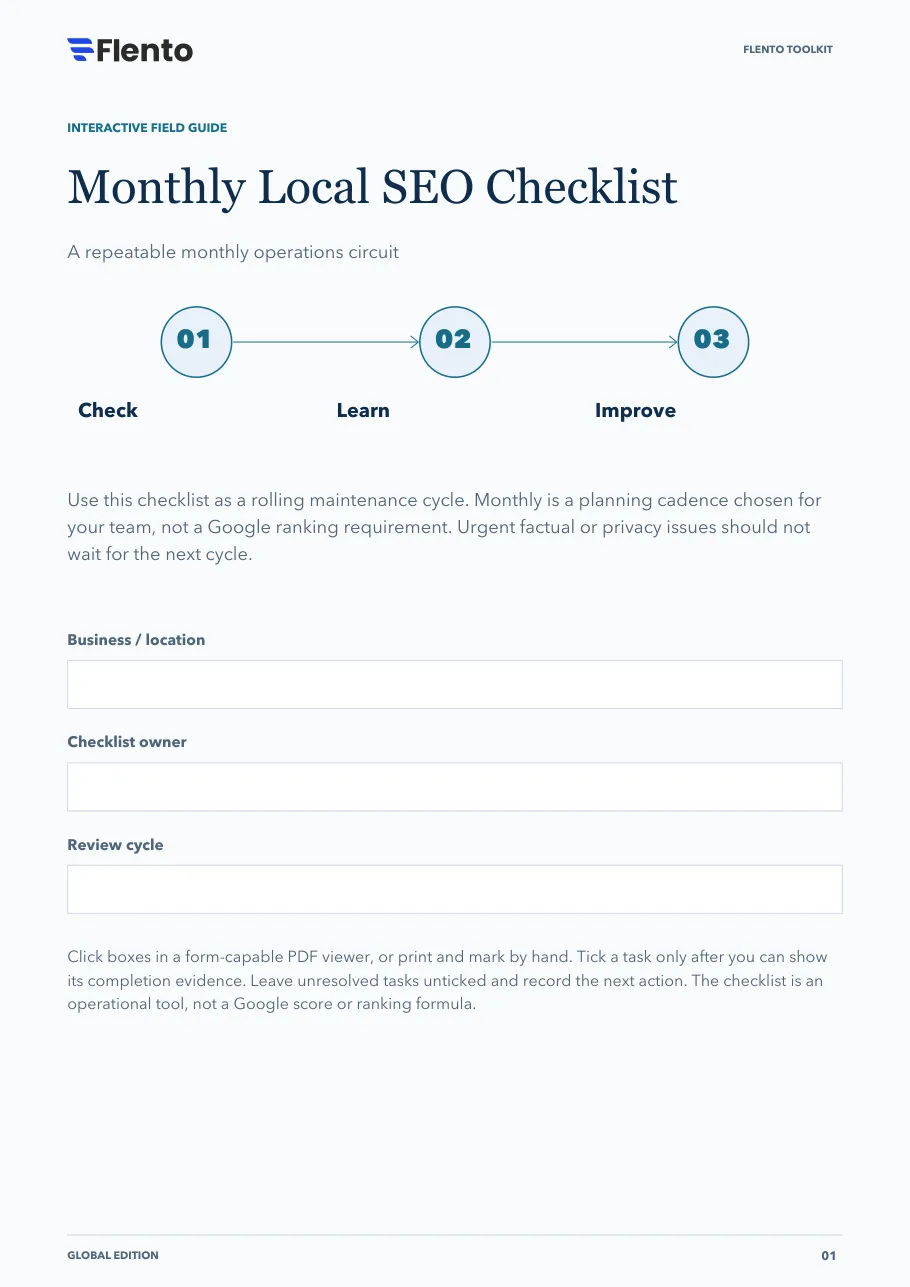
Use this checklist as a rolling maintenance cycle. Monthly is a planning cadence chosen for your team, not a Google ranking requirement. Urgent factual or privacy issues should not wait for the next cycle.
The 3 stages
- Check.
- Learn.
- Improve.
Click boxes in a form-capable PDF viewer, or print and mark by hand. Tick a task only after you can show its completion evidence. Leave unresolved tasks unticked and record the next action. The checklist is an operational tool, not a Google score or ranking formula.
The PDF also has fields at the top for the business or location, the checklist owner and the review cycle.
Stage 1: Check the customer-facing facts
Inspect the information most likely to disrupt a customer journey.
Confirm contact details and operational status
Evidence: Current public facts match the business record.
Review upcoming hours exceptions
Evidence: Operations has confirmed closures and temporary changes.
Test profile phone and website routes
Evidence: Calls and mobile links reach the intended destination.
Inspect recent edits and access changes
Evidence: Changes and manager permissions have an accountable owner.
Review stale posts, offers and media
Evidence: Outdated customer promises are identified and assigned.
Check review queue and unresolved support cases
Evidence: Routine and escalation owners have current tasks.
Stage decision
Correct urgent inaccuracies first. Record completion evidence rather than accepting a dashboard status alone.
Sources: Business representation and industry rules, Business Profile posts, Review requests, Profile ownership
Stage 2: Read the evidence
Separate interaction counts from validated customer outcomes.
Save the applicable profile performance data
Evidence: Metric definitions and comparison period retained.
Separate organic-and-ad context where possible
Evidence: Advertising changes are noted; no unsupported organic attribution.
Check actual enquiries, bookings or orders
Evidence: Outcomes come from the systems handling the work.
Review enquiry quality and missed handoffs
Evidence: The service team has checked recurring friction.
Group feedback themes without exposing private details
Evidence: Anonymized themes and limitations recorded.
Note seasonality, closures and other business changes
Evidence: Context accompanies comparisons.
Stage decision
A change in counts is a prompt to investigate. Do not call button clicks completed calls or claim causation from a simple comparison.
Sources: Profile performance definitions
Stage 3: Choose and verify one improvement
Keep the next cycle focused and accountable.
Choose one important customer problem
Evidence: Impact and evidence written in plain language.
Define a focused correction or hypothesis
Evidence: The team knows what will change and why.
Assign an owner and completion test
Evidence: Responsibility and observable evidence are recorded.
Record a baseline before the change
Evidence: Starting facts and metric limits are preserved.
Test the live customer experience afterward
Evidence: The route works with the updated information.
Decide what to retain, revise or investigate next
Evidence: A decision log closes the loop.
Stage decision
Finish the cycle with a decision and a next owner. An inconclusive experiment can still produce a useful learning record.
Sources: Profile performance definitions, Business representation and industry rules
Your next move
Use this sheet for the most important unresolved item. Keep customer records out of this public-facing workbook.
- Unresolved task / blocker
- Responsible owner
- Completion evidence needed
- Next action and review trigger
Sources
Links open the publishers' own pages. Check them for the current version, since platform documentation changes.
- Business representation and industry rules · Google (opens in a new tab)
- Business Profile posts · Google (opens in a new tab)
- Review requests · Google (opens in a new tab)
- Profile ownership · Google (opens in a new tab)
- Profile performance definitions · Google (opens in a new tab)
- Product and free signup · Flento (opens in a new tab)
References are clickable. Tasks, stage decisions and layouts are original Flento planning tools; availability and industry rules vary.