How to use this checklist
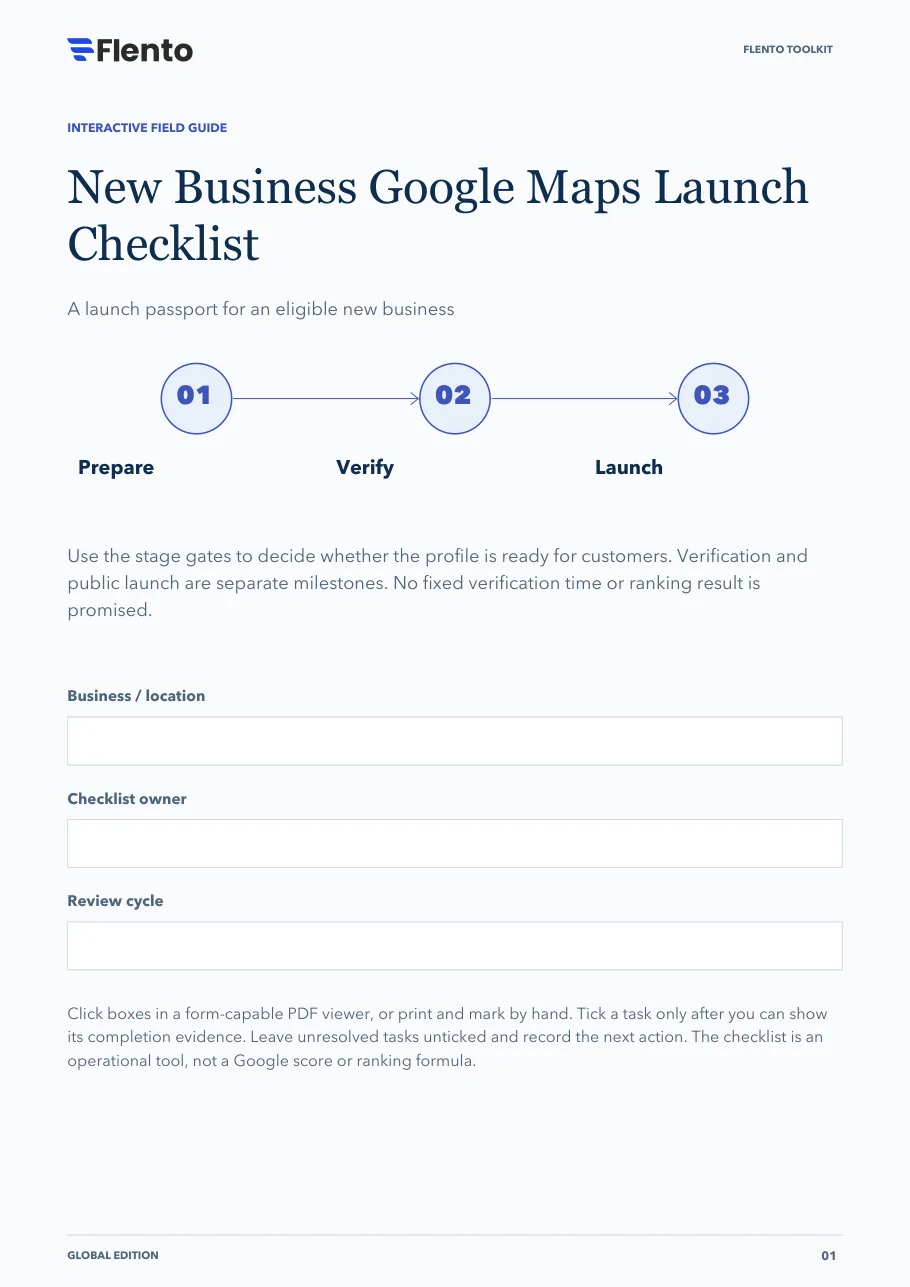
Use the stage gates to decide whether the profile is ready for customers. Verification and public launch are separate milestones. No fixed verification time or ranking result is promised.
The 3 stages
- Prepare.
- Verify.
- Launch.
Click boxes in a form-capable PDF viewer, or print and mark by hand. Tick a task only after you can show its completion evidence. Leave unresolved tasks unticked and record the next action. The checklist is an operational tool, not a Google score or ranking formula.
The PDF also has fields at the top for the business or location, the checklist owner and the review cycle.
Stage 1: Prepare the real business
Settle the operating facts before opening the editor.
Document an eligible customer-service model
Evidence: Real location or eligible service-area operation confirmed.
Search for an existing listing or duplicate
Evidence: Search record and ownership issue, if any, documented.
Gather approved identity and operating facts
Evidence: Name, phone, address or coverage and hours confirmed.
Prepare the correct local website destination
Evidence: Mobile page explains actual service and contact route.
Set business-owned access and recovery
Evidence: Owner and backup contact recorded.
Identify sector-specific representation rules
Evidence: Relevant practitioner, lodging or other exceptions checked.
Stage decision
Do not launch an ineligible entity or duplicate listing. Resolve those issues through the appropriate process first.
Sources: Business representation and industry rules, Service-area businesses, Profile ownership
Stage 2: Complete the available verification
Follow the method offered in the account; do not assume a preferred option.
Record the verification method offered
Evidence: Account instructions captured internally.
Prepare evidence matching the actual operation
Evidence: Evidence is truthful and controlled by the business.
Assign a verification owner
Evidence: One person can respond to follow-up requirements.
Submit through the authorized verification route
Evidence: Submission status recorded without promising an approval date.
Check for additional information requests
Evidence: Follow-up tasks have an owner and response plan.
Confirm verified status before relying on live features
Evidence: The current account state has been checked.
Stage decision
A submitted request is not completed verification. Keep this stage open until the account confirms the required state.
Sources: Verification
Stage 3: Open the customer route
Inspect what a first-time visitor or caller will actually experience.
Confirm live name, location or service area
Evidence: The public view matches the approved facts.
Check operating and exception hours
Evidence: No unstaffed availability is implied.
Test phone, website and booking routes
Evidence: Each action reaches the correct team or destination.
Publish genuine helpful business media
Evidence: The real entrance or service context is recognizable.
Prepare neutral invitations and review escalation
Evidence: No reward, rating pressure or satisfaction filtering.
Save the launch baseline and maintenance owner
Evidence: Interaction metrics and business-outcome records are distinct.
Stage decision
Launch readiness means customers can use truthful information. Continue monitoring verification state, factual changes and support issues.
Sources: Business representation and industry rules, Photos and videos, Review requests, Maps content policies, Profile performance definitions
Your next move
Use this sheet for the most important unresolved item. Keep customer records out of this public-facing workbook.
- Unresolved task / blocker
- Responsible owner
- Completion evidence needed
- Next action and review trigger
Sources
Links open the publishers' own pages. Check them for the current version, since platform documentation changes.
- Business representation and industry rules · Google (opens in a new tab)
- Service-area businesses · Google (opens in a new tab)
- Profile ownership · Google (opens in a new tab)
- Verification · Google (opens in a new tab)
- Photos and videos · Google (opens in a new tab)
- Review requests · Google (opens in a new tab)
- Maps content policies · Google (opens in a new tab)
- Profile performance definitions · Google (opens in a new tab)
- Product and free signup · Flento (opens in a new tab)
References are clickable. Tasks, stage decisions and layouts are original Flento planning tools; availability and industry rules vary.