How to use this checklist
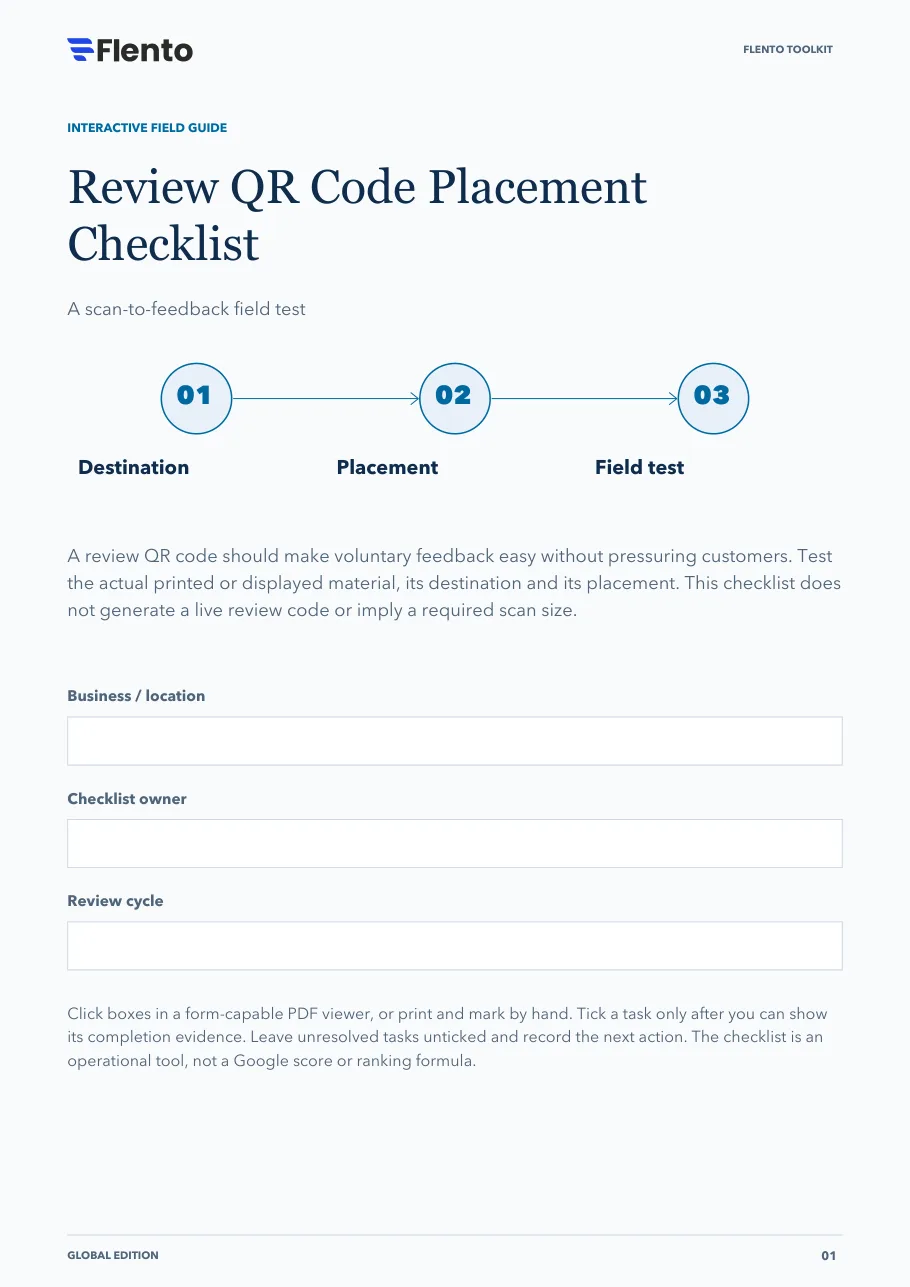
A review QR code should make voluntary feedback easy without pressuring customers. Test the actual printed or displayed material, its destination and its placement. This checklist does not generate a live review code or imply a required scan size.
The 3 stages
- Destination.
- Placement.
- Field test.
Click boxes in a form-capable PDF viewer, or print and mark by hand. Tick a task only after you can show its completion evidence. Leave unresolved tasks unticked and record the next action. The checklist is an operational tool, not a Google score or ranking formula.
The PDF also has fields at the top for the business or location, the checklist owner and the review cycle.
Stage 1: Approve the destination and invitation
A reliable code starts with a neutral request and the correct business.
Retrieve the correct business review destination
Evidence: Displayed business name matches the intended operation.
Confirm the branch selection when relevant
Evidence: No customer is directed to another location.
Write a neutral optional invitation
Evidence: No requested stars, keywords, staff names or positive-only wording.
Remove rewards or participation conditions
Evidence: Service and benefits do not depend on reviewing.
Keep a private support route independent of reviewing
Evidence: Customers can get help without posting or changing a review.
Assign ownership of the code and any redirect
Evidence: Domain or destination maintenance has a named owner.
Stage decision
Do not proceed with a gated or incentivized invitation. Keep participation and the review's contents under the customer's control.
Sources: Review requests, Maps content policies
Stage 2: Design a respectful placement
Let the customer choose the moment without being watched or pressured.
Choose a calm customer touchpoint after a real experience
Evidence: Placement purpose and context recorded.
Avoid staff-supervised or compulsory review completion
Evidence: No employee asks for proof of scanning or posting.
Include a readable alternative link where practical
Evidence: People who cannot scan still have a route.
Preserve clear contrast and the code's quiet border
Evidence: The printed code is not crowded or visually obstructed.
Check glare, folds, distance and physical access
Evidence: The real placement supports comfortable scanning.
Train staff to accept a refusal without pressure
Evidence: The service continues normally when a customer declines.
Stage decision
Approve the placement based on the actual customer context. A visible code is not permission to pressure someone to use it.
Sources: Maps content policies
Stage 3: Test the real material
Test the final output rather than only the design file.
Scan on more than one phone
Evidence: Actual devices open the intended destination.
Test from the expected viewing distance
Evidence: Code works where customers will see it.
Check the signed-out customer path
Evidence: Account requirement and business destination are understandable.
Inspect the final print or display under real lighting
Evidence: Stock, contrast and reflections do not prevent scanning.
Confirm no unnecessary personal tracking enters the URL
Evidence: Destination contains no customer-identifying parameters.
Set a retest trigger after profile or print changes
Evidence: Owner knows when to recheck and replace material.
Stage decision
Publish the material only after destination and field tests pass. Do not submit fabricated reviews as part of testing.
Sources: Review requests, Maps content policies, Campaign URL measurement
Your next move
Use this sheet for the most important unresolved item. Keep customer records out of this public-facing workbook.
- Unresolved task / blocker
- Responsible owner
- Completion evidence needed
- Next action and review trigger
Sources
Links open the publishers' own pages. Check them for the current version, since platform documentation changes.
- Review requests · Google (opens in a new tab)
- Maps content policies · Google (opens in a new tab)
- Campaign URL measurement · Google (opens in a new tab)
- Product and free signup · Flento (opens in a new tab)
References are clickable. Tasks, stage decisions and layouts are original Flento planning tools; availability and industry rules vary.